07 / Edge cases & UI states
Design for
the awkward bits.
Permission settings are high impact. The interface needs clear feedback for normal saves, partial failures, stale data, concurrent edits, and actions that could lock everyone out.
State 01 · API delay
Save is taking longer
Keep the draft visible, disable duplicate submission, show “Saving changes…” and allow safe retry if the request times out.
State 02 · Offline
Do not imply it saved
Mark edits as unsaved, keep a local draft, and explain that access changes will not apply until the connection returns.
State 03 · Multi-admin
Another admin changed the role
Compare the saved version with the local draft; show changed cells and let the admin reload or reapply selectively.
State 04 · Lockout risk
Last admin removal
Block changes that remove the final active administrator. Offer an approved transfer or recovery flow.
State 05 · Bulk edit
Review scope before applying
Show selected roles, modules, and affected people; provide an undo window and record the bulk action in the audit log.
State 06 · Expiry failure
Scheduled revocation fails
Escalate to the owner, retry revocation, keep the access visibly flagged, and log each automated attempt.
State 07 · Stale policy
Permissions changed elsewhere
Refresh the effective-access preview and ask for confirmation before applying a now-conflicting draft.
State 08 · Audit service
Change saved, log delayed
Separate permission-save status from audit-sync status. Never claim the record is complete while it is pending.
State 09 · Bulk partial
Some updates failed
List successful and failed items separately; retry only failed entries instead of repeating the whole batch.
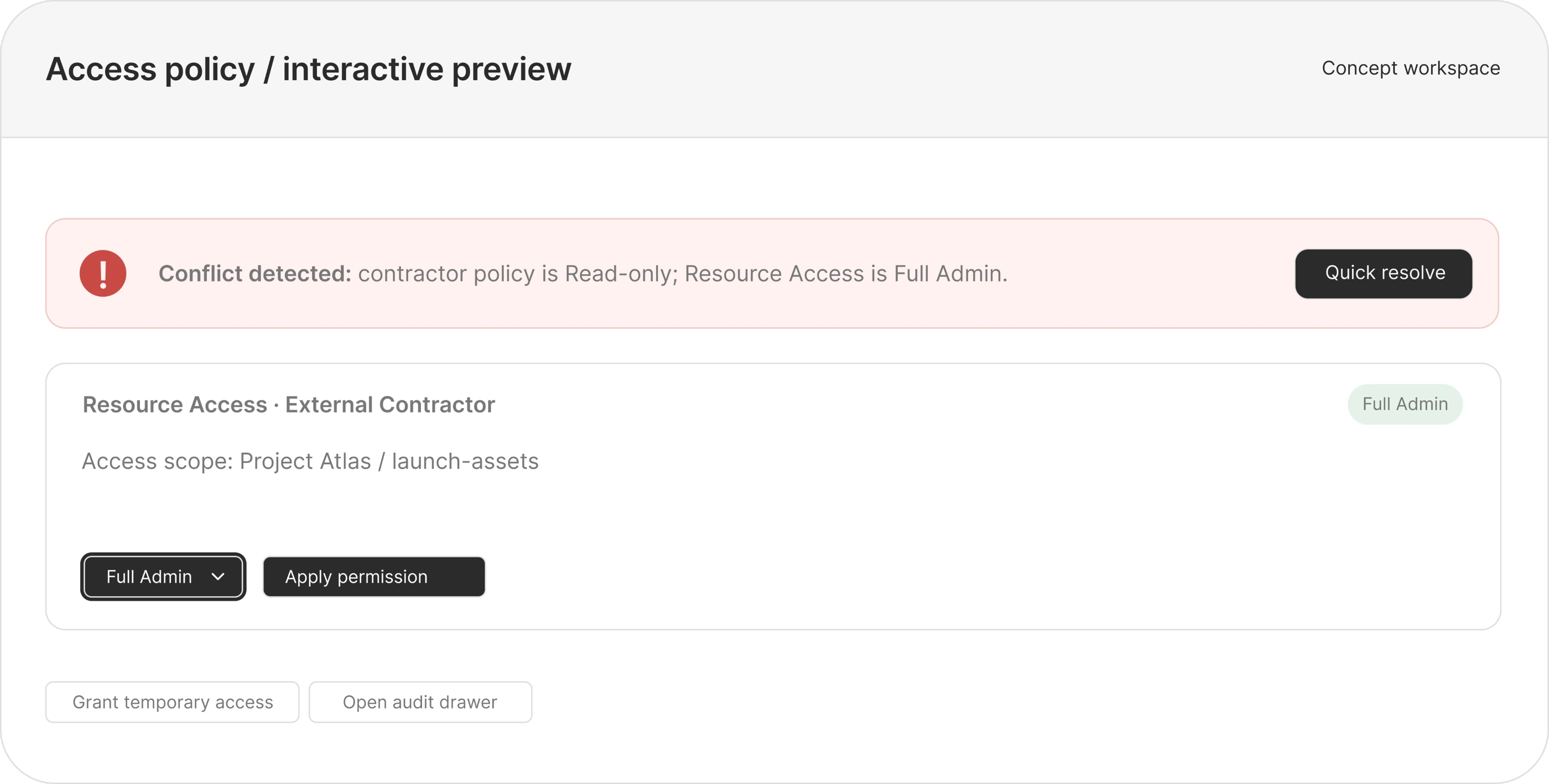
Conflict alert
“External Contractor is limited to Read access, but this resource has a Full Admin override. Review the rule sources before saving.”
Shows the policy collision and the next action without assigning blame.
Success message
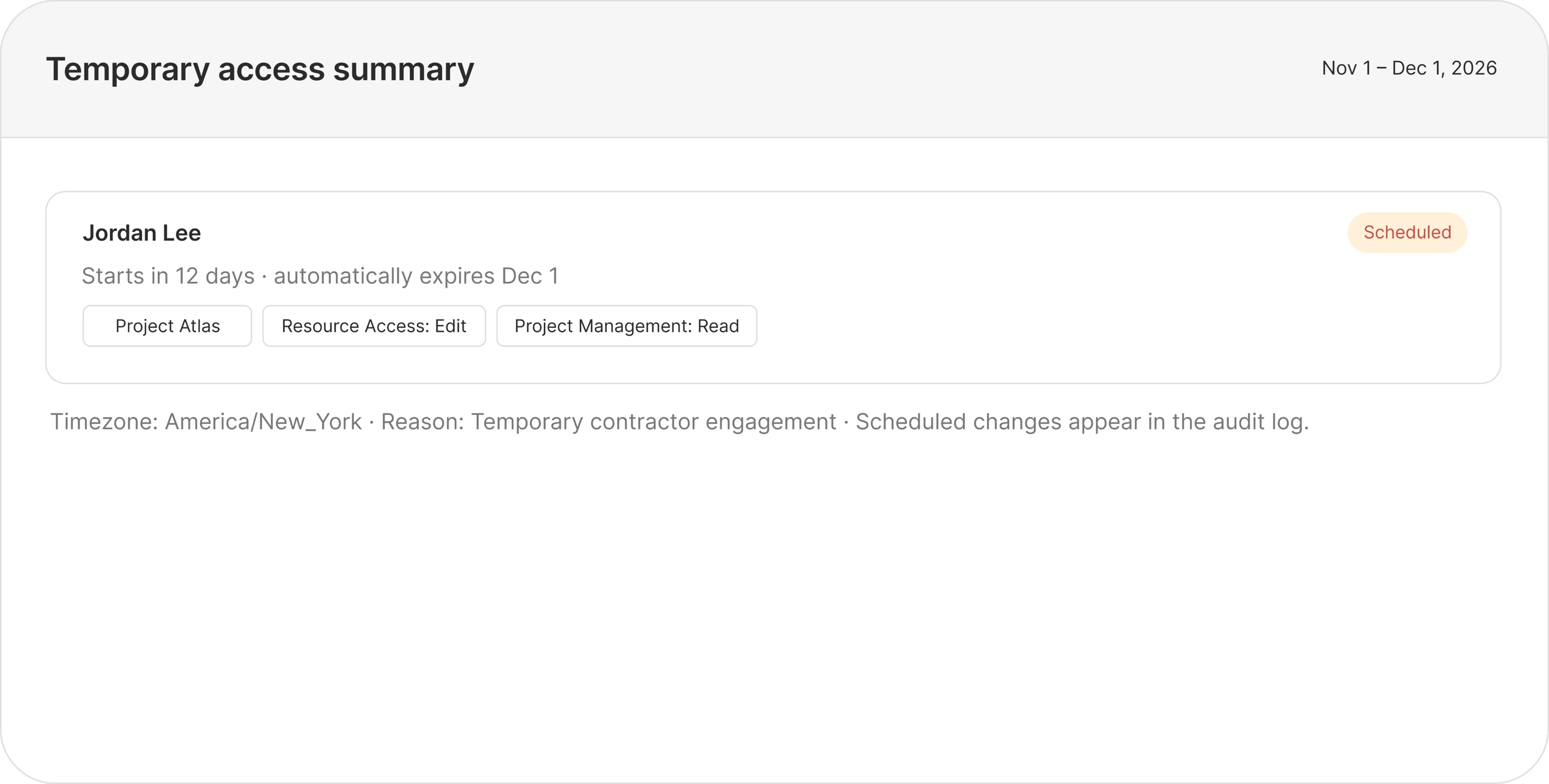
“Role updated. Jordan’s temporary access starts Nov 1 and expires Dec 1, 2026. View audit entry.”
Confirms what changed, who is affected, and when it ends.
Lockout warning
“This change would remove the last active workspace admin. Assign another admin before continuing.”
Explains the blocker and gives the user a recovery action.
Offline state
“You’re offline. Your edits are saved as a draft on this device, but access has not changed.”
Distinguishes a local draft from a committed permission change.
Temporary access tooltip
“Access is removed automatically at the end date. The change and expiry remain in the audit trail.”
Sets a clear expectation about revocation and history.
Full Admin tooltip
“Includes module settings and member management. Grant only when the person needs to administer this area.”
Makes the scope of the highest permission explicit.